
Best Free or Low-Cost DAWs
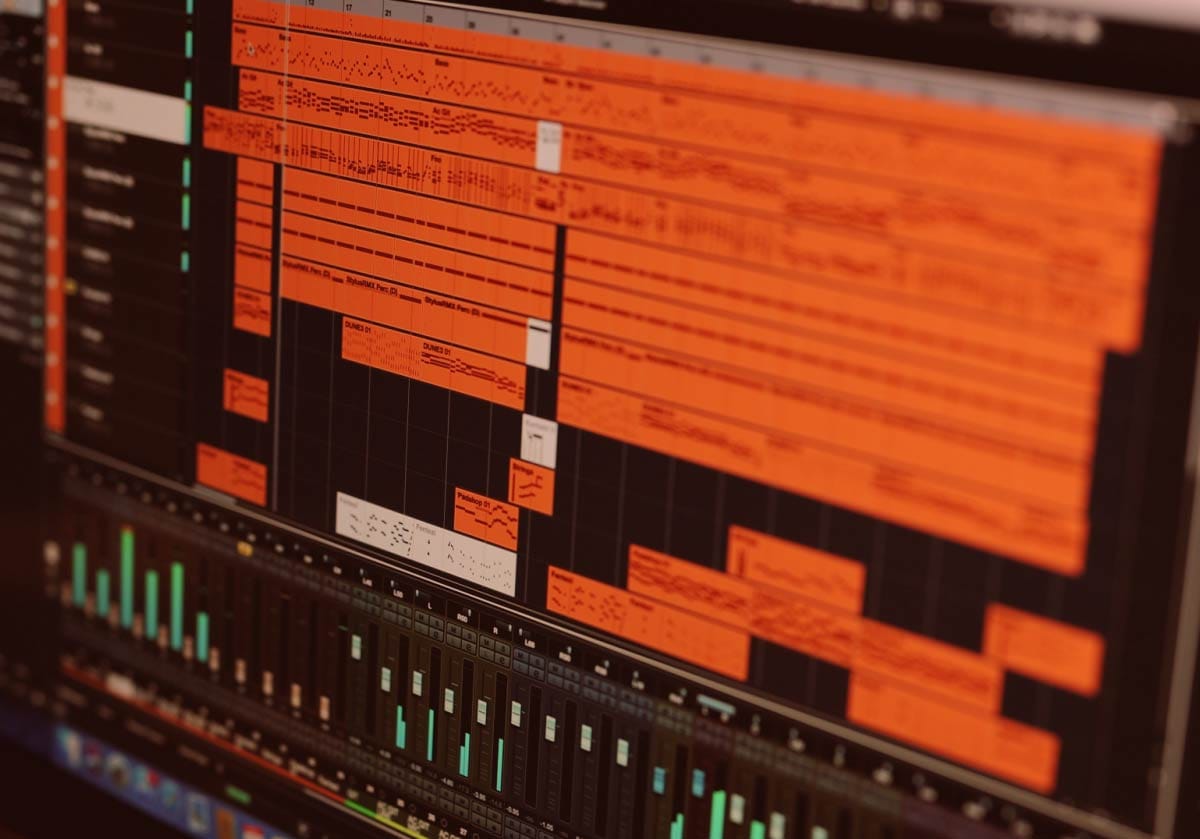
Your Music Command Center
Choosing your first DAW is one of the biggest psychological hurdles when starting in music production. It feels like a commitment - like choosing a direction before you even know what direction you want to go. The truth is simpler: your first DAW is not a lifelong decision. It’s a learning environment. A place to build confidence, understand the fundamentals, and develop your workflow.
Before you go on, be sure to go through the How to Start Making Music on Your Computer guide - it covers the bigger picture where you can see how the DAW fits into the other music production puzzle pieces.
This guide gives you clarity. You’ll learn the difference between free and paid DAWs, which ones are easiest for beginners, how to evaluate them, how to choose based on your genre, how to set them up, and how to avoid the mistakes that slow music-makers down.
By the end, you’ll know exactly which DAW to start with - and you’ll understand how to grow from there.
Prefer to watch or listen? Check out the video below, or continue reading below for the full deep-dive guide.
Free vs. Paid DAWs
There’s a myth that paid DAWs are “professional” and free DAWs are “beginner tools.” That’s not how this works. A DAW is just a workspace. The quality of your music comes from your workflow, your ears, and your consistency - not the price tag of your software.
Here’s the real difference:
Free DAWs
Free DAWs give you everything you need to learn the fundamentals:
Recording
Editing
Arranging
Mixing
Exporting
They often include built‑in instruments, loops, and effects. Some free DAWs even outperform paid ones in certain workflows. The trade‑offs usually come down to:
limited track counts
fewer included instruments
fewer advanced features
smaller ecosystems
But none of those limitations matter when you’re learning. In fact, limitations can help producers focus.
Paid DAWs
Paid DAWs give you:
Deeper feature sets
Larger plugin bundles
More advanced editing tools
Better customization
Bigger communities and ecosystems
These matter later, once you know your workflow and your genre. Paid DAWs are long‑term investments - not starting requirements.
The Embervane Recommendation
Start free. Learn the fundamentals. Build momentum. Move to a paid DAW only when:
you know your workflow
you know your genre
you’ve outgrown your current DAW
you feel friction that a paid DAW can solve
Until then, free is not just “good enough” - it’s ideal.
Go play around and figure out what kind of workflow fits your style for making music. That will give you the knowledge to make a decision if you need to modify your DAW later down the road.
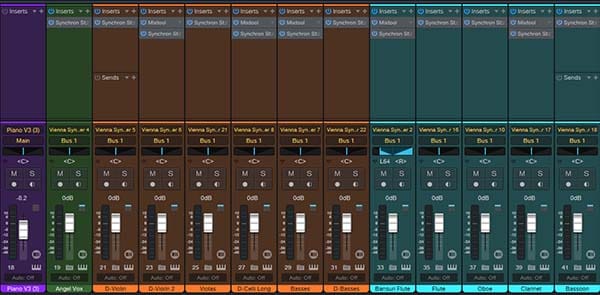
DAW interface shown: Studio One Console by PreSonus
What is the Easiest DAW?
Some DAWs are designed for speed and simplicity. Others are designed for depth and flexibility. As a producer, you want the first category - tools that help you learn quickly and stay motivated.
Depth, flexibility, specific needs... that kind of thing comes with understanding if you start to run into a wall with your current DAW and your creative workflow.
Here are the easiest DAWs for producers that are early in their journey:
GarageBand (Mac/iOS) - Free
The most beginner‑friendly DAW ever created. Simple interface, intuitive tools, and a frictionless workflow. Perfect for learning recording, editing, and arrangement.
Learn more here - GarageBand
Cakewalk by BandLab (Windows) - Free
A full professional DAW that’s completely free. More complex than GarageBand, but still approachable. Massive long‑term potential if you plan to record vocals or instruments.
Pssst - there is a Cakewalk Next version that can work on Mac/iOS as well as Windows.
Learn more here - Cakewalk Sonar
Waveform Free (Mac/Windows/Linux) - Free
Modern, minimalist, and surprisingly powerful. Great for electronic music, beat‑making, and MIDI‑heavy workflows.
Learn more here - Waveform Free
FL Studio - Paid
Probably the easiest paid DAW for music producers who want to make beats. Pattern‑based workflow, intuitive piano roll, and fast idea capture.
There is a free version, but it prevents opening a saved session so it really only gives you a taste of some workflow.
Learn more here - FL Studio
Ableton Live Intro (Paid)
A streamlined version of Ableton Live. Perfect for loop‑based creation, electronic music, and live performance.
There is also a 30-day free trial of this DAW.
Learn more here - Ableton Live
Reaper (Paid)
Lightweight, customizable, and powerful. A great long‑term DAW for recording and mixing.
Learn more here - Reaper
All of these DAWs are capable of taking your music across the finish line with you. But that doesn't mean that all of them will intuitively match your personality. In order to start making music on your computer, it is important to know how to evaluate DAWs for your needs.
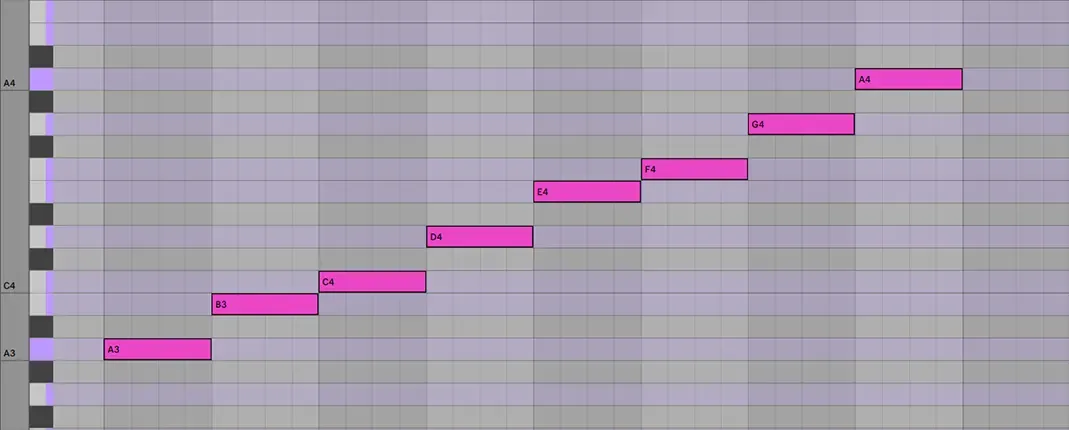
DAW interface shown: Ableton Live MIDI Note Editor
DAW Evaluation Checklist
Before choosing a DAW, run it through this Embervane checklist. It keeps you focused on what actually matters - clarity, workflow, and momentum.
When you are using a trial of a DAW or testing out a free one, ask yourself these questions to make your decision clearer:
Does the DAW feel intuitive within the first 10 minutes?
If you're confused immediately and it does not seem to pass, that confusion will multiply later. Save yourself the future headaches and test a different DAW.
Can you record, edit, and arrange in the DAW without watching a tutorial?
Your DAW should make the basic obvious. But remember that different people's minds work differently - and there is probably a DAW out there for all of them. If you are able to simply 'get to work' without having to go through a lot of instruction, that is a really good sign.
Does the DAW's user interface feel calm or cluttered?
Producers thrive in clean environments. Heck, most people do, right?
And how about you - do you feel calm when presented by the interface or do you feel overwhelmed? Calm producers make more and better music.
Does the DAW support the genre you want to make?
Some DAWs are designed better for beats, others for recording, others for mixing, others for electronic music, etc. Get a feel for the genre-specific workflow elements that you might be faced with. Test the DAW against these needs.
Does the DAW run smoothly on your computer?
Man, if your DAW is struggling to run or keeps crashing, nothing will take you out of the creative space faster than this. Performance matters more than features - an amazing DAW that can't run on your computer is no good.
Does the DAW help you finish music?
A DAW that encourages completion is worth more than one with tons of options. In the end, the only music that matters is the music that gets finished. If you are testing the DAW and you find that are feeling propelled to wrap up your songs, that is a positive sign.
If the DAW you are testing is passing most or ideally all of these practical tests then it is a good fit - go run with it. And if the one you were trying did not pass these tests for you then just get a different one. Don't feel frustrated - there are plenty to choose from.
Once you have a few candidates that pass your tests, you may want to consider which DAWs are designed to work better with specific genres.
Best DAWs for Making Beats vs. Recording vs. Making Electronic Music
Different DAWs excel in different creative environments. Choosing based on your genre is one of the fastest ways to build confidence for producers.
Best for Making Beats
FL Studio - The king of beat-making. Fast, visual, and pattern based.
Waveform Free - Surprisingly capable for hip-hop and electronic beats.
GarageBand - Simple drum tools and loops make it great for new producers.
Best for Recording Vocals or Instruments
Cakewalk - Full professional recording suite for free.
Reaper - Lightweight, customizable, and extremely powerful.
Fender Studio (formerly Studio One) - Clean interface and excellent recording workflow.
Best for Electronic Music
Ableton Live Intro - Loop-based workflow makes idea creation effortless.
FL Studio - Strong for EDM, trap, and electronic genres.
Waveform Free - Modern interface and strong MIDI tools.
Choosing a DAW based on your genre can remove friction and accelerate learning.
But be careful not to think that these DAWs will only work in some genres. I used Ableton Live to write an orchestral piece that won a composing competition. Ableton might be famous for electronic music, but at the end of the day, it's a DAW - and all DAWs make music.
It is up to you to figure out what you want to do with a DAW - don't limit yourself.
Now that you have your DAW selection locked down, the next step is making it functional for you to create music.
DAW Setup
Your DAW setup doesn’t need to be complicated. In fact, the simpler it is, the faster you’ll learn.
Install your DAW and leave everything at default
Don't tweak settings you don't understand yet - build the foundation first.
Set your audio device to your interface or headphones
This connects your DAW to your main sound hardware. It prevents latency and keeps things clean.
Create a simple project template
Templates can give you a functional advantage - why recreate the wheel each time. Setup the following:
one audio track
one MIDI track
one instrument
one drum tool
This gives you a consistent starting point every time you open your DAW.
Learn the "Core Four"
In your DAW, get comfortable with the following tasks:
Recording
Editing
Arranging
Exporting/Bouncing
Once you understand these four actions, everything else technically becomes optional. You have your core tasks down.
Build a habit of finishing small projects
Momentum comes from completion, not complexity. These small habits build to create mental steel cables that allow you to build larger and more complex projects if you want.
Beginner DAW Mistakes
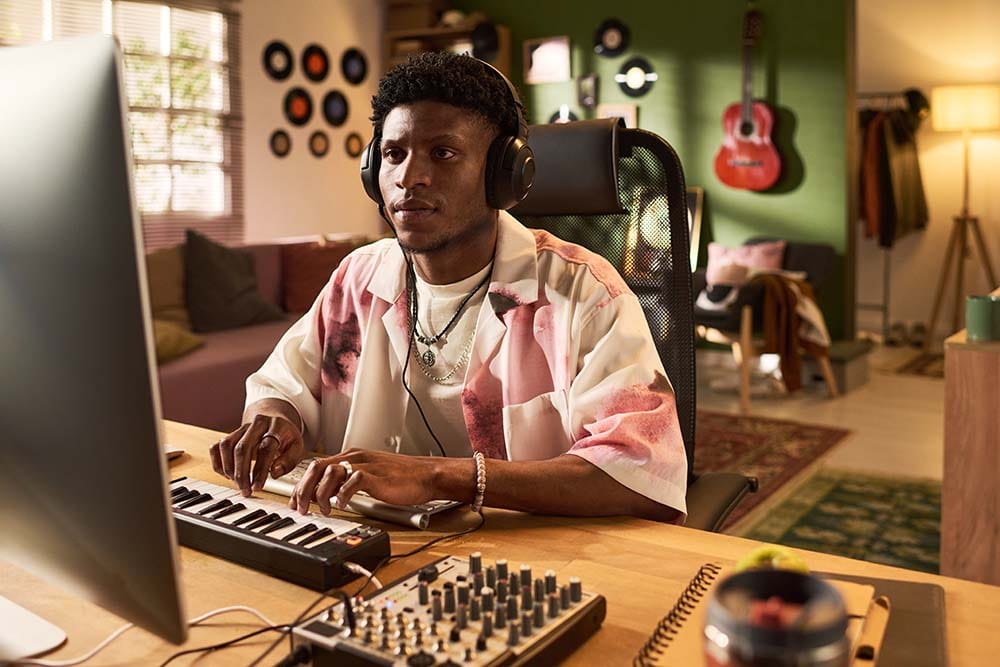
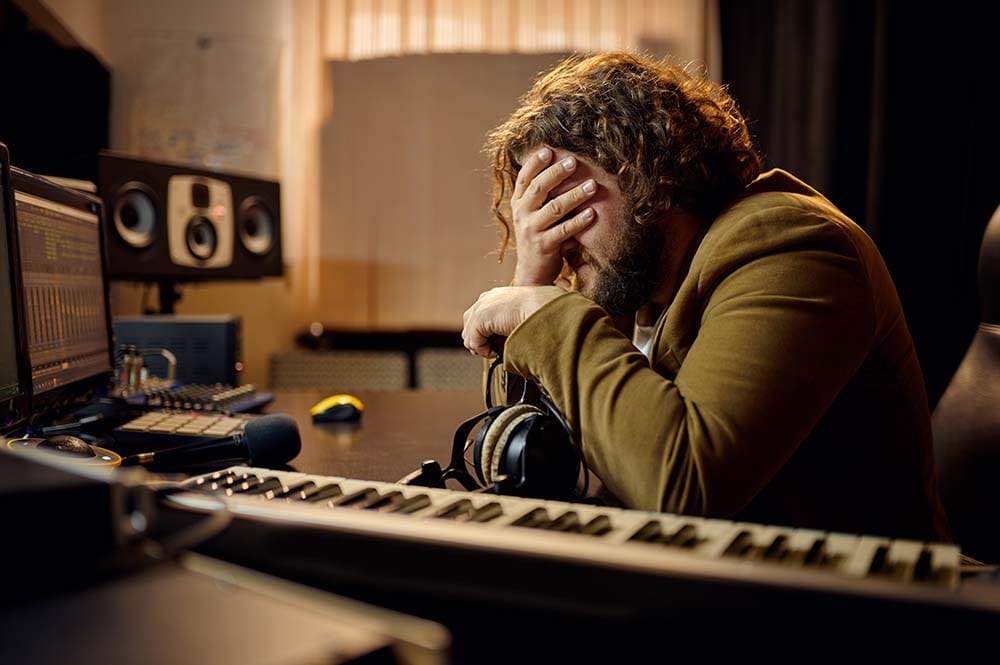
Most producers struggle with the same handful of issues. Avoiding these will save you months of frustration. Of course, if you like the hard way and getting slowed down, disregard this section at your own risk.
Here are common beginner DAW mistakes:
Trying Too Many DAWs at Once: Keep your focus, or lose your foundation.
Chasing Plugins Instead of Learning Fundamentals: Lock in your workflow because plugins work the same in one DAW to the next.
Starting Big Projects Before Finishing Small Ones: You can't learn a workflow if you don't go all the way through the workflow.
Ignoring Keyboard Shortcuts: Don't ignore a whole new level of efficiency.
Over-Editing: Edit mode is the enemy of Create mode.
Not Using Templates: Get yourself into and keep yourself in creative flow faster.
Skipping Arrangement Practice: If you don't finish a song, you don't practice the whole process.
Trying Too Many DAWs at Once
Want to scramble your eggs quickly? Try learning multiple DAWs at the same time. This is a fast track to No Progress! Avoid it - focus and run through the checklist we talked about earlier. If it works, keep it and make music. If it doesn't, move on until it does.
Chasing Plugins Instead of Learning Fundamentals
Picture this - you get your DAW... and then you start seeing plugin ads everywhere. And they look awesome. And they have examples that make it seem like you can just drop a plugin onto a track and you are ready to go platinum.
But it doesn't really work that way. Don't worry - I'm a fan of plugins (and more so knowing how to use them). But there is a time and a place and this is not it. Do not jump into a pile of plugins when you have not learned the fundamental skills necessary to make music.
Trust the Process - build a solid foundation and you can construct a very tall structure on top of it. Have a weak foundation and you have the recipe for a lot of frustration.
Starting Big Projects Before Finishing Small Ones
I think that music creators as a whole have big ideas - it is who we are, right? But, man oh man will you hammer yourself if you try and make your magnus opus before you have locked down several smaller projects with success. Brick-by-brick, build your masterpiece... but don't start there.
If you do get ideas that seem like they could be BIG then just save those ideas in an Idea folder. They'll be there when you can make the best use of them. For now, build your skills - hone your skills. You will get a feeling for when you can take on a big project as your skills progress.
Ignoring Keyboard Shortcuts
We are generally a mouse (or fingertip) driven society when it comes to using computers. But that keyboard is your best friend when it comes to shortcuts. Count how much time it takes you to do some task that could be replaced by knowing and using a keyboard shortcut. Go ahead - I'll wait.
Now, multiply that time by like 100. How about 1,000? Because over the course of years using your DAW and doing that task over and over again, you could have saved a ton of time.
Take the effort in the beginning to lock in those keyboard shortcuts and you will be able to fly when making songs.
Over-editing
Your brain cannot exist in create mode and edit mode at the same time. You might think it can, but it cannot - it is a biological fact.
Because of that, if you slip into edit mode all the time, you are literally killing your creating workflow. On top of that, producers have a tendency to "fix" things that weren't even broken.
When we are first starting out, we overdo things. The first time I was figuring out compression, I totally overdid it. The first time I was playing with reverb, the song was drowning in it.
This is how we learn - do too much, pull it back, find the sweet spot.
If you catch yourself spending a lot of time editing, take a step back and make sure you aren't editing your projects into oblivion.
Not using templates
If you find yourself repeating tasks like setting up tracks to produce music or adding the same instruments again and again, then you are not using templates well.
Templates can feel restricting if we try to template too much. But keep them simple and effective and they are like a 'DAW Preset' in the same way you might use a plugin preset.
Think simple when it comes to templates to start... make things that save you time and let you jump right into create mode - you don't want to rebuild your house every time you want to go to sleep, right?
Skipping Arrangement Practice
Producers often get starstruck by the sound of some loops instead of learning how to finish songs.
Trust me on this - your ability to finish a song is much more important than some loop sound you found on a library service. When you know how to take a song from start to finish, you can work with a lot of different loops.
Avoiding mistakes like these will help flatten your learning curve dramatically. They will also keep you creating, so you make more songs faster. After all, life has enough frustrations, right? Why make more.
Where to Go Next
This article gives you the clarity to choose your first DAW with confidence. The next steps are simple:
Explore the DAW options compared in this articles
Choose one DAW and commit for 30 days
Build your first workflow
Start making music consistently
You don’t need expensive software to start.
You don’t need advanced tools to start.
You just need clarity, momentum, and a DAW that feels like home.
You’re closer than you think.
We've talked a lot about taking a song from start to finish in this article, and nothing is worse than getting lost on the blank canvas of a DAW. To see the complete structural map of what to do next after you DAW is setup, download the free Embervane Sparkflow Map.
And when you’re ready to dive in and get your hands dirty making some music, MIDI Madness Tier 1 is waiting for you.
Now go make some music.
Found this guide helpful?
Spread the word and share with another creator.
Return to How to Start Making Music on Your Computer Topic Hub
About the Author

Jim is the creator of Embervane - a lifelong music maker with a curiosity‑driven approach to creativity and learning. He has been playing drums since age nine and composing seriously since 2018, continually refining his craft through study, experimentation, and hands‑on practice.
With a background in chemistry and more than two decades of studying behavioral psychology, Jim brings a unique blend of scientific thinking and human understanding to music education. He beta‑tests tools for companies like Mastering the Mix, Kit Plugins, and Soundiron, which keeps him close to the evolving landscape of modern production.
Jim isn’t a celebrity producer or award‑winning engineer - he’s a creator who remembers exactly what it feels like to struggle, learn, and grow. His mission is to help other music makers build clarity, confidence, and momentum in their craft.
Jim is the creator of Embervane - a lifelong music maker with a curiosity‑driven approach to creativity and learning. He has been playing drums since age nine and composing seriously since 2018, continually refining his craft through study, experimentation, and hands‑on practice.
With a background in chemistry and more than two decades of studying behavioral psychology, Jim brings a unique blend of scientific thinking and human understanding to music education. He beta‑tests tools for companies like Mastering the Mix, Kit Plugins, and Soundiron, which keeps him close to the evolving landscape of modern production.
Jim isn’t a celebrity producer or award‑winning engineer - he’s a creator who remembers exactly what it feels like to struggle, learn, and grow. His mission is to help other music makers build clarity, confidence, and momentum in their craft.


©2026 Embervane LLC. All rights reserved. Embervane™ is a trademark of Embervane LLC.