
How to Build a Productive Music Workflow
The Music Flows with the Workflow
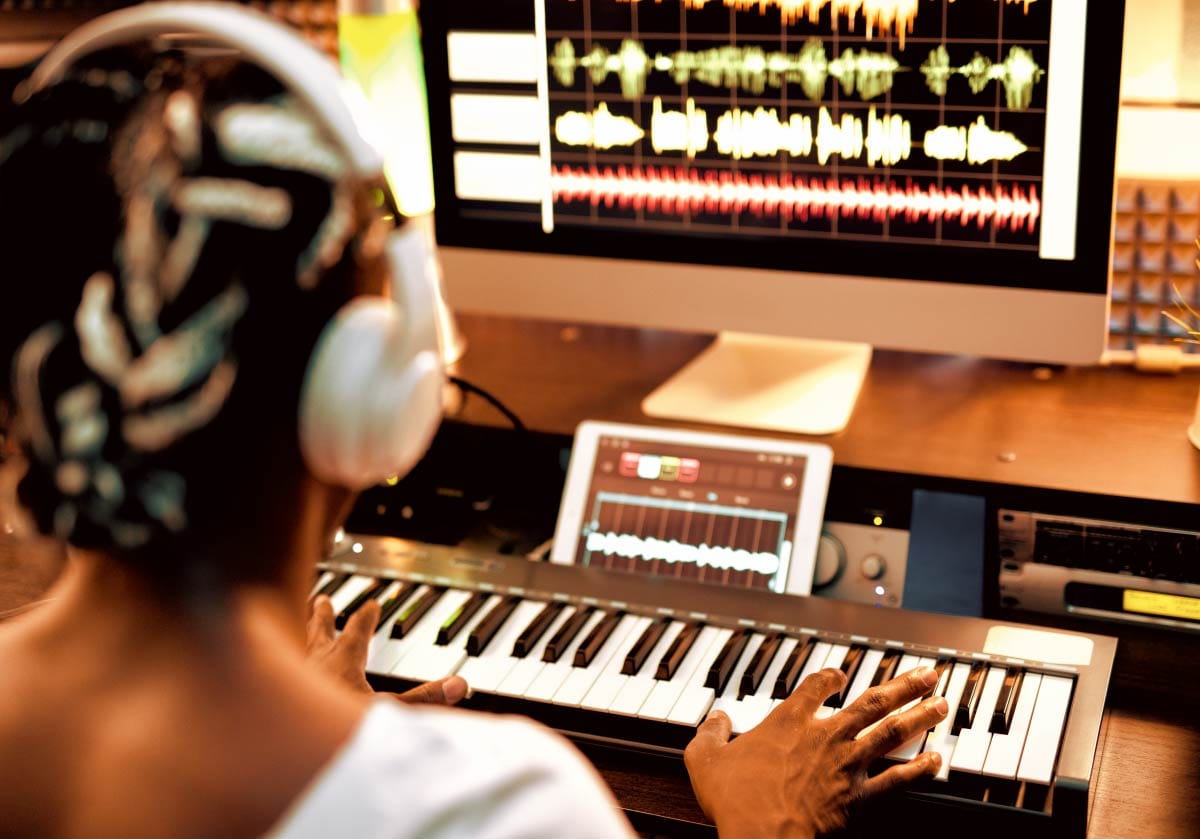
A workflow is the set of steps that you follow to get you through a particular task efficiently. In music production, a productive workflow is the backbone of consistent music creation. It’s the difference between feeling lost every time you open your DAW and feeling confident, organized, and capable of finishing songs.
Workflow isn’t about speed - it’s about clarity. When your process is clear, your creativity has room to breathe.
Before we get into workflow, if you are following the beginner's roadmap to digital music production, you will want to review the overview to make sure that you can apply the information that is being shared here.
This guide introduces the core components of a strong workflow: the stages of production, templates, organization, routines, and finishing strategies. Our goal is to help you look at your music creation processes in a way that will allow you to get to you create mode faster - and to stay in that mode for longer.
It's go time!
How to Create a Workflow for Making Songs
A good workflow starts with understanding the stages of production. Every song moves through predictable phases and knowing them helps you stay oriented instead of overwhelmed.
Stages of Production
Most producers follow a structure that looks like this:
Idea / Spark
Sketching
Structuring
Arrangement
Building Out
Mixing
Finishing
You don’t need to master these stages immediately - you just need to know where you are and what comes next.
But if you did want to have a handy free resource that walks through what happens during each of these stages, check out the Embervane Sparkflow Map, a free deep dive resource that walks through the process of song-making from initial idea to finished product.
Templates
Templates remove friction. They let you start with your tools already in place instead of rebuilding your setup every time.
When I first started, I resisted templates because a lot of my process felt like it was still in flux as I built my skills. However, the more you lock in skills, the better templates will be effective for you.
Why load the same instruments each time for sketching out a song if you have a set that you normally use? Just put them into a template, click load, and boom - you are already working on the song instead of fiddling with stuff.
Checklists
Checklists keep you from forgetting important steps and help you maintain consistency across projects. But humans resist checklists. We think, "I can remember it all."
But think about that - the more you have to remember, the greater the chance that something gets forgotten.
The more you have to remember, the less mental bandwidth you allow yourself for other tasks.
Trust that checklists are there to make sure things are not forgotten. They are an incredibly efficient way to free up space in your brain to do more important things.

How to Use Templates
Templates are one of the fastest ways to improve your workflow. They reduce setup time, eliminate repetitive tasks, and help you start making music immediately. And, most importantly, they get you into create mode and out of edit mode.
Why Templates Matter
A template is a pre‑built starting point. It saves mental energy and keeps you focused on creativity instead of configuration.
A good template does not try to force you into a box, instead it does the following:
allow you to quickly jump into a creative headspace
shave time off the music-making process
allow you to prioritize commonly used instruments/plugins
Note that the template does not restrict you. Instead, it takes the commonly used tools that you normally reach for and lay them out for you. That's kind of like the tools a surgeon needs already being within arm's reach before the procedure starts - that's efficiency.
What to Include in Your Templates
Templates can be a file you load in your DAW or they can be presets that you are pulling up. Here are some common places to use templates:
A file with your favorite instruments
Drum racks
FX tracks (plugin chains, especially)
Mix bus chain (a huge time saver)
Color coding for a file
Routing (having the routing set up saves you a lot of time)
Markers for song sections
Genre-Specific Templates
Different genres benefit from different setups. A trap template might include 808 routing and half‑time drums. A pop template might include layered synth stacks and vocal chains.
If you work in a variety of genres, stay organized with genre-specific production templates to get you into the creative zone faster.
How to Organize Projects, Files, and Samples
Organization is the silent engine of productivity. When your files are clean, your workflow becomes faster, smoother, and less stressful.
While different people may have their own specifics with organizing, there is no denying that the human brain benefits from organization. Why waste time and brain power looking for something, you know?
Good practices for being an organized music creator means taking a look at folder structure, naming conventions, and having a backup strategy.
Folder Structure
A simple, consistent folder structure prevents chaos when looking for your project files. But how you organize these folders is up to you.
For project files, I normally group by type of project, client (even if it is me for my own songs) and then song name with a date identifier - in that order.
But you may have other folders for different groupings, like:
Songs (your raw DAW project directories)
Samples (your curated audio sample library)
Presets (custom synth and plugin presets)
Exports (final full-length bounces of your tracks)
Mixes (stems and instrumental variations for mixing reference)
References (commercially released tracks you use to reference your songs)
Plugin installation files/manuals
Virtual instrument storage locations
Naming Conventions
Inside of those folders, how you name the files will also help you stay organized. You want to avoid naming files something like Track_FINAL_v2_actualfinal.wav.
Here are some examples of clear names that might help you find things quickly:
SongName_v1
SongName_v2_mix
Kick_Trap_01
Pad_Pop_Warm
Backup Strategy
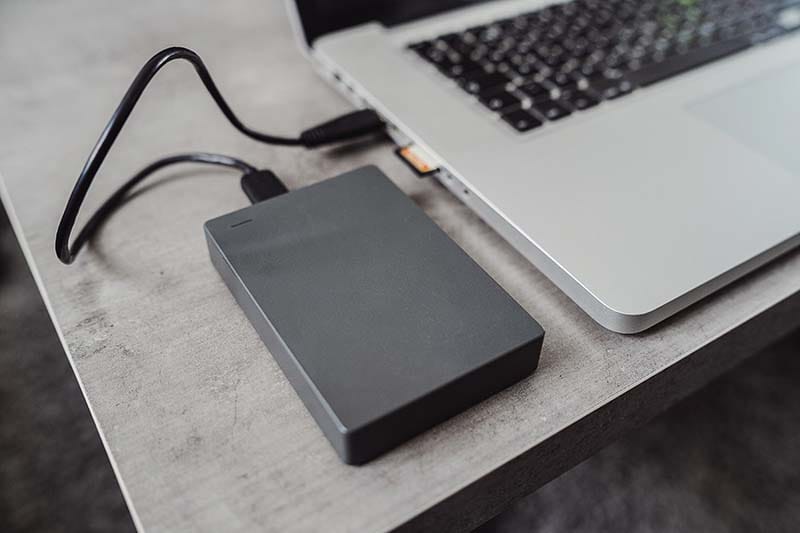
Backing up files protects your work. I am not talking about storing your files on another drive in the same computer here. I mean using cloud storage or an external drive to keep your projects safe.
Nothing is worse that a hard drive failure wiping out potentially unretrievable work. Trust me on this: back up your work.
Beginner Workflow Mistakes
Beginners often struggle not because they lack talent, but because their workflow creates friction. What does that mean?
1 - they switch to edit mode when they should be in create mode
2 - they worry about stuff that comes at a later stage in the music creation process
3 - they use tools without knowing what the tools do or how to really use them effectively
Don't fall into these beginner workflow traps:
Too Many Plugins
Stacking more plugins is not equal to better music. Keep your toolkit tight but learn those tools deeply.
Consider having even a single plugin for any of the key categories and really learn to make them sing. By doing that, you will keep your plugin stack light and also build a really solid foundation for their use.
No Routine
Imagine someone that wanted to run a marathon but had no specific routine for training. Would you expect that person to succeed in their goal? I wouldn't - their training would be all over the place and that is not how we become great.
The same works with music creation. Without a routine, your progress gets choppy at best. Even twenty minutes a day will build momentum.
At best, you will not only develop working routines but also regular practice routines for music production.
Poor Organization
Remember that section on folders and file naming and all that stuff - well this is what happens when those processes are not put in place.
You end up with a 'junk drawer' of music stuff. And if you have ever been digging through a 'junk drawer' trying to find a pair scissors or a tape measure, then you know what I am talking about. That is not efficient.
A disorganized file structure slows you down and makes finishing songs harder.
How to Build a Practice Routine for Music Production
Building a practice routine turns your music production steps into habits - you know, the kind of stuff you don't have to think about to do. They just happen after you put the reps in.
And if you have sat staring at your computer screen hoping for inspiration to strike, then I would bet that routines were missing from your process. Because they help you grow steadily instead of waiting for lightning to strike.
Daily/Weekly Structure
Across a week, set days and/or time slots to focus on specific music-related tasks. For example:
Monday: Sound design
Tuesday: Arrangement
Wednesday: Mixing
Thursday: Songwriting
Friday: Free creation
Skill Rotation
Let's face it - music people can tend to hyperfocus in one area. We feel some gains and it feels good so we keep hammering that spot.
But rotating the skills you are practicing actually helps you grow faster at a broad level.
Our brains are really good at forging neural pathways and when we perform multiple, related tasks, our brain jumps on that almost like with a state of hyper learning.
Tracking Progress
Just like working out in a gym, record the kind of workouts you are doing. I am not talking about massive notes here - just simple documentation that details what you were working on and when.
Added bonus: If you want to step into the next level of learning, write down a struggle that popped up. When you record what you struggled with, you show yourself over time how you overcame those struggles. And in the meantime, you can ask better questions around how to get past that specific stumbling block.
Introducing Personal Challenges
One excellent way to amp up your practice routine is to introduce personal challenges into play. I am not talking about competing here - I am talking about applying some kind of limits to your session to run them as a drill.
1 - The Time Challenge: give yourself a time limit, like 10 minutes to come up with a melody and chords for a new song.
2 - The Skill Focus: Spend a practice session focusing on one subset of a song... like only working on drums or bass lines or melodies, etc.
3 - The Creativity Challenge: Force constraints like 'only use three sounds' or 'write a song with no chords'
How to Finish More Songs
Finishing songs is a skill, not a destination. And, like any other skill, it can be learned, trained, and honed into for higher efficiency.
Here are some ways to finish more songs:
Why Songs Stay Unfinished
Most songs stall out because of perfectionism, unclear next steps, or too many options leading to paralysis.
Put your perfectionism in a box... you can worry about that stuff when you skills are waaaaay better.
Give yourself clarity by clearly defining what step in the music creation process is next. This will cut down on your options and point you in a direction that completes songs.
The "Finish First" Method
Practice finishing a song before you try and perfect it. Focus on the momentum to push for the end instead of trying to polish something up. Polishing too early only leads to frustration.
In order to stick with a 'finish first' attitude, it is important to understand how to maintain your motivation when things get tough - because there will definitely be a spot where things get tough as a music producer.
Limiting Options
When you reduce your choices, you increase clarity. Fewer plugins, fewer sounds, fewer instruments mean fewer decisions. When there are no decisions to be made, the only thing left to do is finish the song.
Where to Go Next
Your workflow is the foundation of everything you create. It is also where beginners will fail to invest their time - a weak foundation leads to weak or inconsistent results.
When you know where you are in the process, start with templates that match your goals, keep your projects organized, and practice with purpose, you build a creative environment that feels steady and supportive.
Finishing songs becomes less about pressure and more about momentum. Use the Insight articles in this pillar to shape a workflow that fits your style, strengthens your skills, and helps you move from ideas to finished music with confidence.
Stop wasting creative energy on technical setup. Follow this step-by-step guide to build DAW templates, route busses, and speed up your production.
Stop wasting creative energy on technical setup. Follow this step-by-step guide to build DAW templates, route busses, and speed up your production.
A Producer's Guide to File Management & Backup Protocols
Have you ever spent unnecessary time searching for some file that you needed to get back into? Have you ever had a hard drive crash and lose your creative work? Here are some ways to help protect against that.
Have you ever spent unnecessary time searching for some file that you needed to get back into? Have you ever had a hard drive crash and lose your creative work? Here are some ways to help protect against that.
Advanced Practice Drills & Creative Constraints for Producers
Learn how to exercise your creative side like a muscle and grow your creative focus.
Learn how to exercise your creative side like a muscle and grow your creative focus.
How to Stay Motivated and Avoid Burnout
Nothing is worse than burning out on a project - that's a songkiller situation. Learn how to stay motivated to keep your productivity high without burning out.
Nothing is worse than burning out on a project - that's a songkiller situation. Learn how to stay motivated to keep your productivity high without burning out.
In case you missed it, you'll notice that I noted the musical process as a stepwise, container-driven experience several times. If you want to see what that process looks like from idea to finished song, check out the Embervane Sparkflow Map, a 35-page powerhouse free resource that is waiting for you.
And as you see how making music will test your skills, you can jump into the free MIDI Madness Tier 1 course and up your music creation game.
Now go and build out that music creation routine and stick with it!
Found this guide helpful?
Spread the word and share with another creator.
Return to The Roadmap to Digital Music Production Topic Hub
Previous Topic <
About the Author

Jim is the creator of Embervane - a lifelong music maker with a curiosity‑driven approach to creativity and learning. He has been playing drums since age nine and composing seriously since 2018, continually refining his craft through study, experimentation, and hands‑on practice.
With a background in chemistry and more than two decades of studying behavioral psychology, Jim brings a unique blend of scientific thinking and human understanding to music education. He beta‑tests tools for companies like Mastering the Mix, Kit Plugins, and Soundiron, which keeps him close to the evolving landscape of modern production.
Jim isn’t a celebrity producer or award‑winning engineer - he’s a creator who remembers exactly what it feels like to struggle, learn, and grow. His mission is to help other music makers build clarity, confidence, and momentum in their craft.
Jim is the creator of Embervane - a lifelong music maker with a curiosity‑driven approach to creativity and learning. He has been playing drums since age nine and composing seriously since 2018, continually refining his craft through study, experimentation, and hands‑on practice.
With a background in chemistry and more than two decades of studying behavioral psychology, Jim brings a unique blend of scientific thinking and human understanding to music education. He beta‑tests tools for companies like Mastering the Mix, Kit Plugins, and Soundiron, which keeps him close to the evolving landscape of modern production.
Jim isn’t a celebrity producer or award‑winning engineer - he’s a creator who remembers exactly what it feels like to struggle, learn, and grow. His mission is to help other music makers build clarity, confidence, and momentum in their craft.


©2026 Embervane LLC. All rights reserved. Embervane™ is a trademark of Embervane LLC.