
Transform Robotic MIDI Into Living, Human Musical Performances
Master CC automation, velocity mapping, and sound selection across 12 hours of tactical, step-by-step training
MIDI Madness Tier 2 is all about making your music feel alive. In this course, you’ll learn how to shape realistic performances, choose the right virtual instrument tones, humanize your MIDI, and create expressive parts that sound intentional and musical.
If you’ve ever felt like your MIDI sounded flat or robotic or just could sound more realistic, Tier 2 will show you how to make that happen.
Get immediate access to 12 hours of step-by-step tactical training.
Who Is This For?
MIDI Madness Tier 2 is designed for creators who already understand the basics of MIDI and want to take a major step forward in realism, expression, and sound selection. In this tier, you’ll learn how different virtual instruments behave, how to shape believable performances, and how to choose the right sounds across a wide range of libraries and price points.
Whether you’re still early in your journey or you’ve been using MIDI for years, Tier 2 gives you the practical, technical skills needed to make your virtual instruments feel alive.
You know the basics of MIDI and want to sound more realistic
You want to understand how different virtual instruments behave
You want to avoid wasting money on the wrong libraries
You want your performances to feel expressive and believable

What You'll Be Able to Do After Tier 2
Choose the right instrument for any musical idea
Understand the difference between budget, mid-grade and premium libraries

Shape expressive performances using velocity, CC curves, and articulations
Work with MIDI Packs effectively

Grasp the importance of a corrected harmonic structure and do it yourself
Make your virtual instruments sound more human and intentional
Choose the right instrument for any musical idea
Shape expressive performances using velocity, CC curves, and articulations
Understand the difference between budget, mid-grade and premium libraries
Work with MIDI Packs effectively
Grasp the importance of a corrected harmonic structure and do it yourself
Make your virtual instruments sound more human and intentional
Limited Launch Fast-Action Bonuses!
By purchasing during the limited course launch period, you will receive two bonuses:
Bonus 1: Special $199 Launch Pricing (regular $249)
Bonus 2: Priority Access and Future Tier 3 Discount Locked In
What You Will Learn in Tier 2
MIDI Madness Tier 2 covers the principal disciplines of virtual instrument analysis and selection, working with MIDI packs, shaping the sound of instruments, and realism techniques, culminating in a series of demos all with hands-on exercises throughout.

What's Included
Instead of just telling you which instruments you should buy, learn how to listen to different virtual instruments critically.
Understand why different virtual instrument sounds are affected by how they are made.
Arm yourself with the knowledge to both select and work with virtual instruments better.
Experience a range of different virtual instrument presentations across a wide range of instruments, including orchestral, percussion, guitar, drums, piano, choir, synthesizers and more.
Use this knowledge to enhance your sound selection understanding.
Learn the limits of different virtual instruments across varying price points, from free to higher-priced.
Hear the real instruments being played next to one another to get a feel for the range of sounds possible across different instrument categories.
Learn what to look for in a virtual instrument when you are considering a purchase.
Learn what Sound Shaping is and why it is crucial for building a realistic sounding MIDI production experience.
Learn how to remove resonances the right way - without destroying your source sound.
Understand the steps to sound shaping through lessons and a live-recorded demo.
Put your skills to the test to lock in this powerful technique.
Get to know the advantages and shortcomings of MIDI packs.
Experience a quick live-recorded demo using MIDI packs to see how they can be used beyond the drag-and-drop norm.
Put your skills to the test with an exercise and a complimentary mini-MIDI pack included in the Tier 2 course.
Learn how to utilize dynamic ranges and monophonic/polyphonic instruments for improved realism.
Understand how to use instrument articulations effectively to maximize your production power.
Learn how to manipulate vibrato and core sounds to shape instruments how you want them to perform and sound.
Dive into technical aspects of realism that will kick your music production skills to a new level.
Get hands-on learning through exercises that lock in the lessons you have been learning.
See live-recorded demos using all the techniques described in the first five modules.
Learn how to use free virtual instruments to put together the core part of a song effectively while still retaining a humanized performance.
Compare that to a demo using the same song but with higher priced instruments, showing how you can work with a range of different instruments and challenges.
Hear the functional difference that Sound Shaping makes in your productions and learn how to test for it.
Watch as the demo song from MIDI Madness: Tier 1 is reworked using the knowledge from Tier 2.
Wrap up the course with a hands-on exercise to put all of the Tier 2 skills into action with your own song production that will receive high-level feedback.
7-Day Exploration Guarantee
Try MIDI Madness: Tier 2 Completely Risk-Free
Dive into the beginning of MIDI Madness Tier 2 and test these sound-shaping techniques inside your own DAW. We want you to see the immediate difference in your productions.
If the course isn't exactly what you expected, you are protected by a fair, 7-day conditional guarantee. Simply email us within 7 days of purchase, having consumed less than 20% of the total course lectures, and we will issue a prompt, full refund. (Note: Our system logs individual lecture views to verify consumption limits, protecting both your investment and our community's proprietary materials).

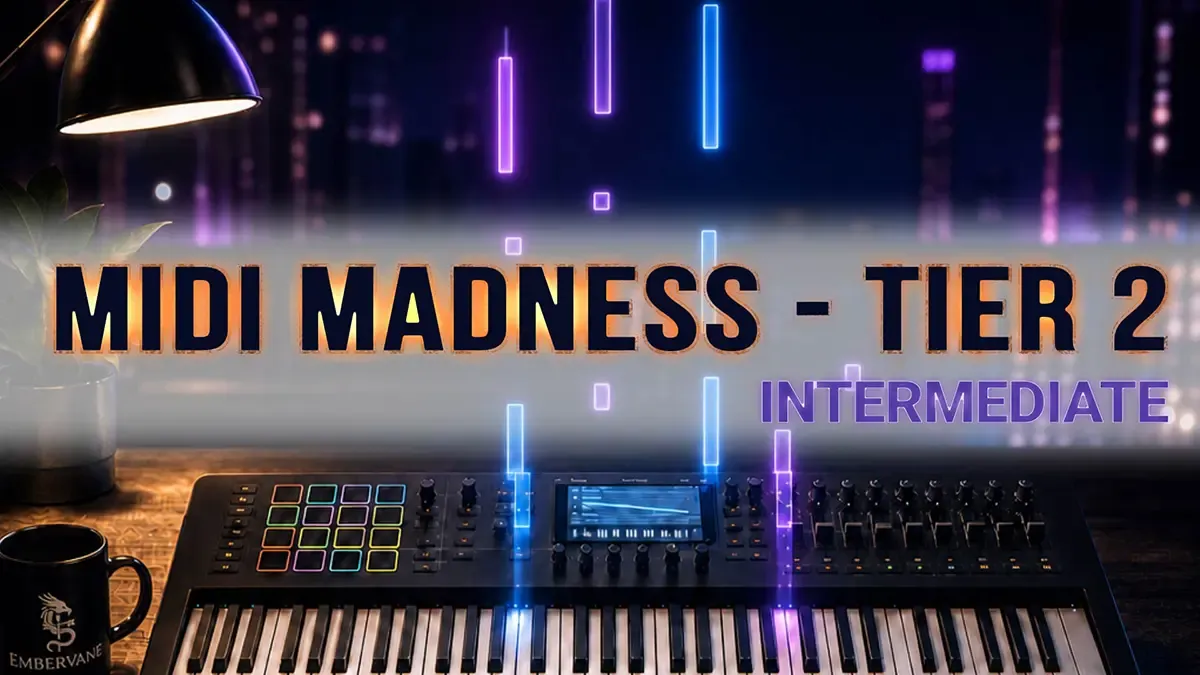
MIDI Madness Tier 2
Single Course
12 Hours of Tactical Video Training
Downloadable Program Resources
Hands-On Exercises to Build Skills
Lifetime Access & Future Updates Included
7-Day Exploration Guarantee (100% Risk-Free)
Special Launch Price (save $50 during Launch)
$249
$199
Or 4 interest-free payments of $49.75 with Klarna

Frequently Asked Questions
You should be comfortable with installing and using virtual instruments as well as MIDI data inside your DAW. If you have a MIDI controller, you should be comfortable using that to send MIDI data to your DAW as well.
If you are not up to speed on these items then you can start with our free MIDI Madness Tier 1 course, which provides over 3 hours of instruction to get you ready to maximize the benefit of Tier 2.
While the course lessons will show Ableton Live as the DAW, any DAW that can use MIDI data will work. Just remember that other DAWs may use slightly different keyboard or mouse inputs than what you see, but this difference is normally minimal.
While the course videos come in a hair under 12 hours, your actual time spent may vary. Give yourself the patience of going through the material at a pace that works to maximize your learning, even if that means repeating lessons so they stick.
Additionally, there are exercises in the program designed to help you lock in the knowledge being shared. The time it takes to complete those will add to your total course experience, but they are the way to drive those lessons home to empower you for the future.
The goal is that you are happy. While we cannot control your happiness outside of the course material, we do provide a 7-day guarantee. We give you the ability to access up to 20% of the lessons within that time period and if you decide that the course is not for you, a full refund can be requested through the Contact page.
This and the other Embervane courses were designed to help people have fun while learning, and then to take that knowledge and go have fun making better music. Because the world is a better place with music creators doing their thing.
MIDI Madness Tier 3 is currently going through additional development and quality testing to make sure that the content inside is highly useful to you. It has expanded from its original plan and will bring more levels of realism and music-making skill lessons.
No. If you have a DAW and at least one virtual instrument then you can follow along with the course material without making additional purchases. If you are looking for free virtual instruments, MIDI Madness Tier 1 has a list of these that you could download and start using right away.
However, as you progress as a music creator, you may find that you need to expand your tool set. When that happens, purchasing instruments and plugins is the most realistic path forward. But fear not, for Embervane has a focus on value; if we recommend a plugin or an instrument, you will know why, although you are not required to make any additional purchases beyond the courses.
Ready to Make Your MIDI Sound Human?
Join today under the 7-Day Risk-Free Exploration Guarantee


©2026 Embervane LLC. All rights reserved. Embervane™ is a trademark of Embervane LLC.